
Getting started on YouTube
If I were creating a channel in 2025, I'd do this...

With everything that has gone on in the social media world as of late, there are an increasing amount of questions on how to start a Youtube channel. I wanted to share my tips and how I would get started!
it’s not too late
Before I talk about how to get started, I wanted to quickly ease your mind and let you know that you are not too late. In fact, I think now is the perfect time to join Youtube! With the Tiktok ban (and the uncertainty of it) I think more creators will be expanding into other platforms like Youtube, which means that more and more followers will start
In 2024, my biggest goal was to focus on Youtube. I wanted to post 1 video a week, and by my surprise – I did that every week except for 3! Some weeks I even posted 2 videos, so I really did surprise myself with how much I would enjoy doing it.
start planning
If I were starting all over today, here’s exactly what I would do: make a list of topic ideas, determine my frequency, then start scripting videos. I would not spend any time seeing what other people are doing, and going into a never-ending research rabbit hole.
make a list of topic ideas
The very first thing I would start doing is making a list of alllll the things you could possibly make a video on.
Start writing your list down and let your mind go wild. These are not set in stone ideas, so feel free to write anything and everything that comes to your mind.
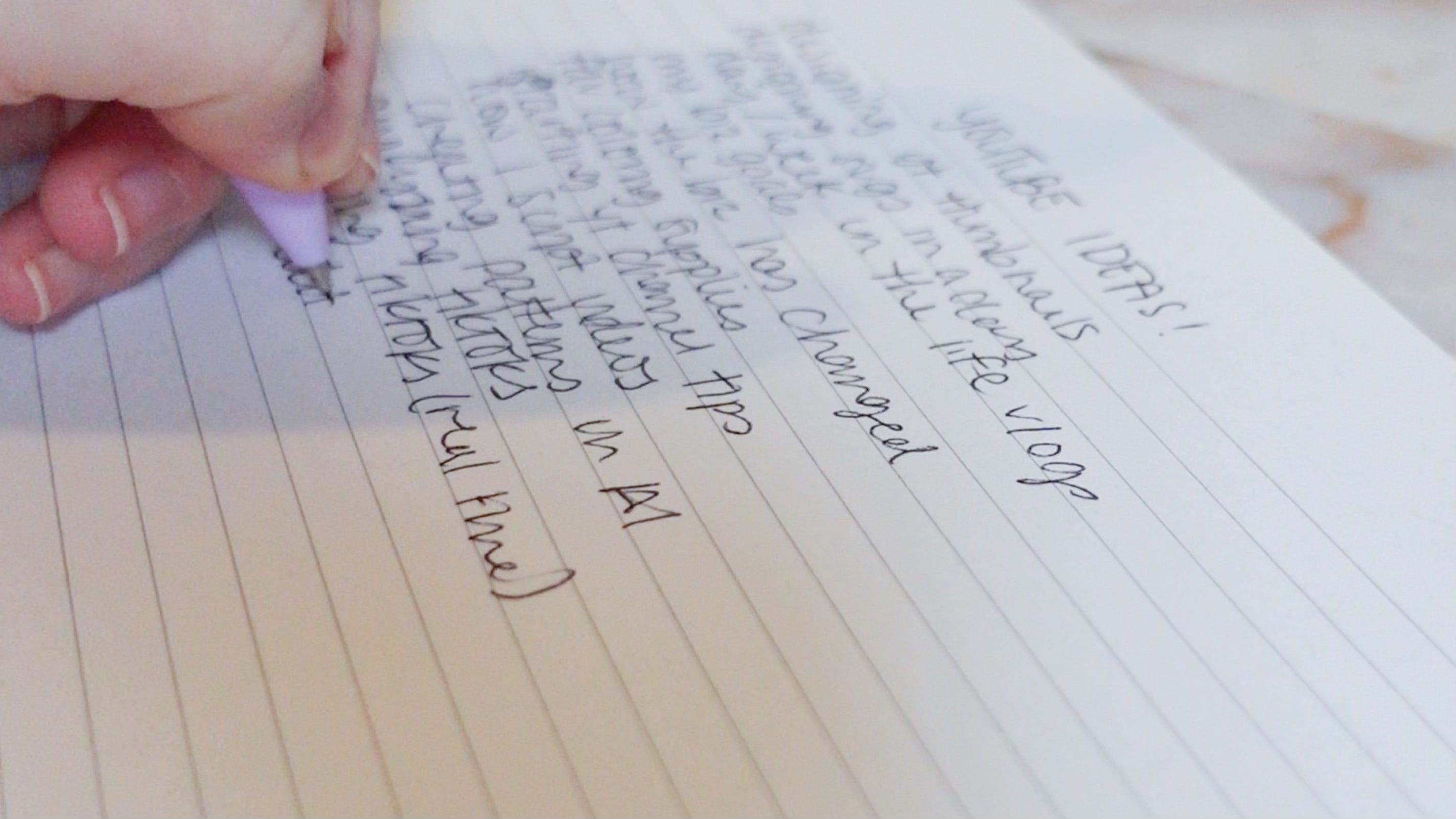
Some ideas could be…
studio vlogs / packing orders
small business tips (what kind? social media, designing in a certain program?)
design X with me (ex: design halloween SVGs)
day in the life of a X (ex: day in the life of a creative small business)
determine your frequency
Set your list aside and truly think about how much time you have available to you to film, edit, and create thumbnails for Youtube videos.
Now with that in mind, take a look at how many ideas you came up with. If you only have a few hours available to you each week, then I’d start with 1 video a week. If you are wide open and you have 100 good ideas, then maybe you’d be fine starting with 2 videos a week.
I found that committing to 1 video a week was a good starting point for me. Some weeks I had extra time and I’d do a Friday vlog or something, but I never wanted to push myself too much that I lost time for my weekly video.
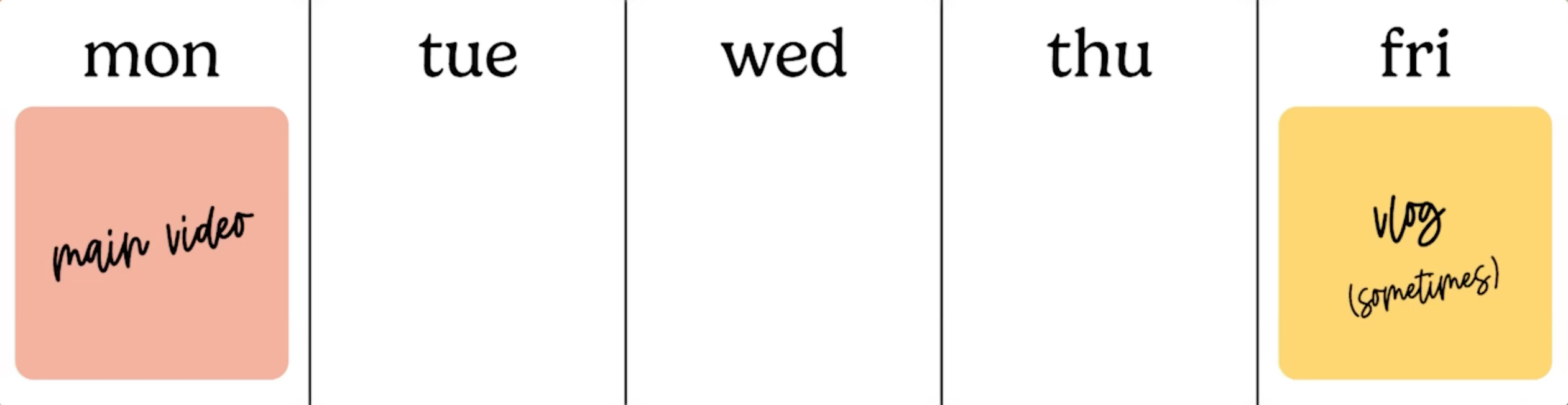
My schedule now looks like this:
every Monday at 11am I post on my main channel
on some Wednesdays at 3pm I post on my vlog channel
these are videos that don’t quite make sense for my main channel but that allow me to be creative in other ways. I’m not putting requirements on this channel for right now.
start scripting videos
If you’re feeling up for it, and you really want to start today, then the next step I would take would be to start scripting your videos. You don’t need to script word for word what you’re going to say, but I find it extremely helpful to have some talking points written down, so that when it comes time to film you remember what you had wanted to talk about.
My ADHD makes me a rambler and I will get off on the most random topics that don’t make sense – scripting videos has significantly decreased how much time I spend editing videos now.
Bonus points: if you script your videos they will make it easier to make a coordinating blog post or Substack! Instead of having to go back and listen to my video to remember my talking points, I had them written out in Notion already and I copied them over and it made writing this post a breeze!
some quick Youtube tips
stay consistent: your subscribers will start to learn that you post at a certain time on a certain day and will seek out your stuff
the thumbnail is so important: the first thing people see are the thumbnail and the title of your video; make sure those are intriguing
don’t stress over equipment: it can be easy to think you need to have the best tools before getting started – that’s a lie. Use your phone and just get started
you don’t need the best editing software: while I do use Premiere Pro to edit my videos, you don’t have to use this. Katie Steckly has a great beginner tutorial on a free editing software. I also used iMovie for a while, but decided I wanted to commit to learning Premiere anyways, and it’s been a fun challenge.
you’ve got this!
Once you have your list, you’ve scripted some ideas – now it’s time for the fun part: filming! I honestly would film and edit a few videos prior to launching your channel just so that you have some content ready to go for the next couple weeks.
This allows you time to make new videos and get in the groove of things, while knowing that you have a week or two scheduled already.
Remember: you’ve got this! It doesn’t need to be a scary thing, but if you have any questions please leave a comment and I’d love to help!